Your connection to OYTI, beyond the adhesive. Bring product information, delivery details and shared documents together with personal support from our team.
OYTI CONNECT · PORTAL PREVIEW WITH DEMONSTRATION DATA
Preview with example data. Your available information and access are coordinated with the OYTI team.
01 / YOUR CUSTOMER WORKSPACE
One place. Many everyday connections.
Built around the information shared with your company. Your available products, documents and functions follow your account’s access.
01
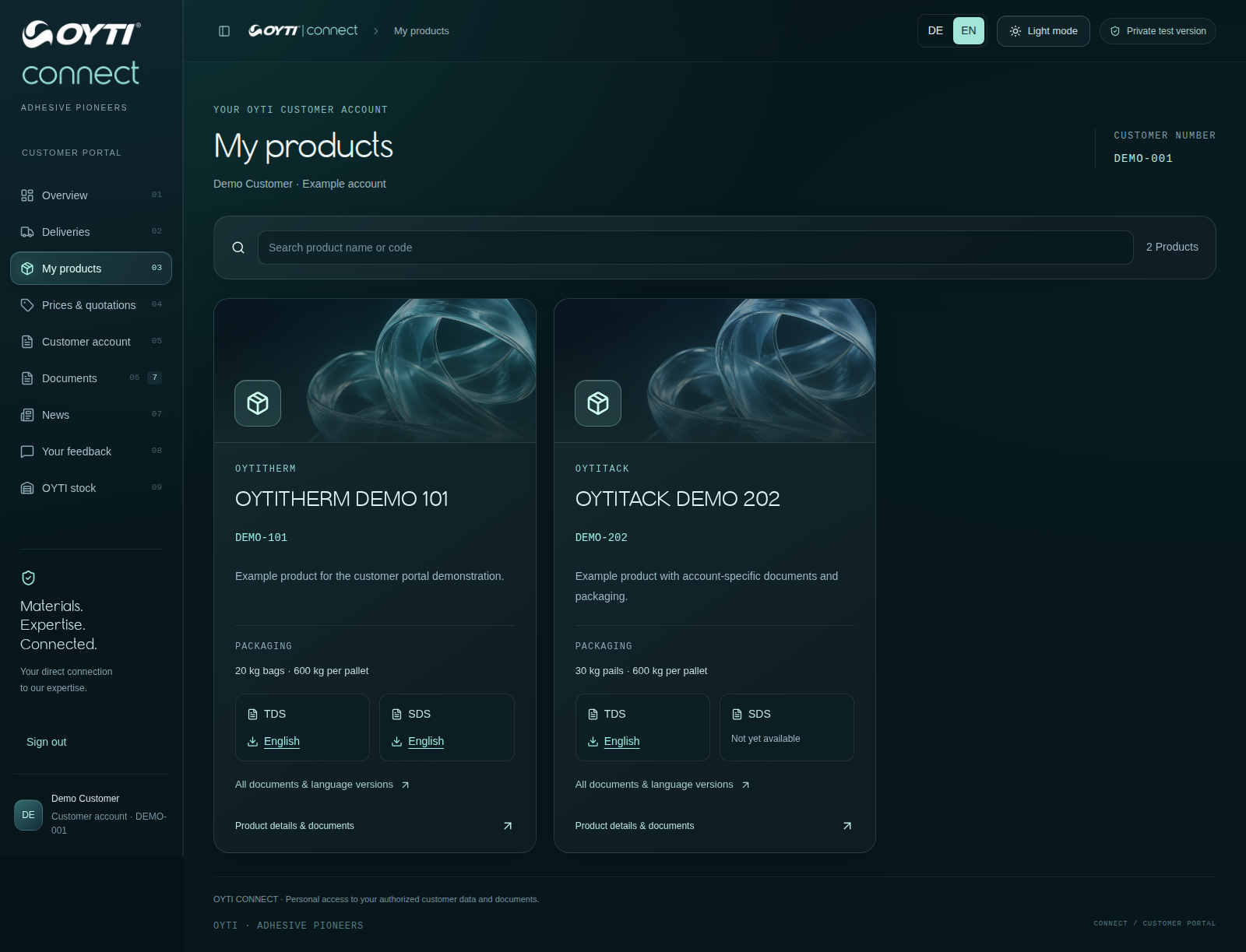
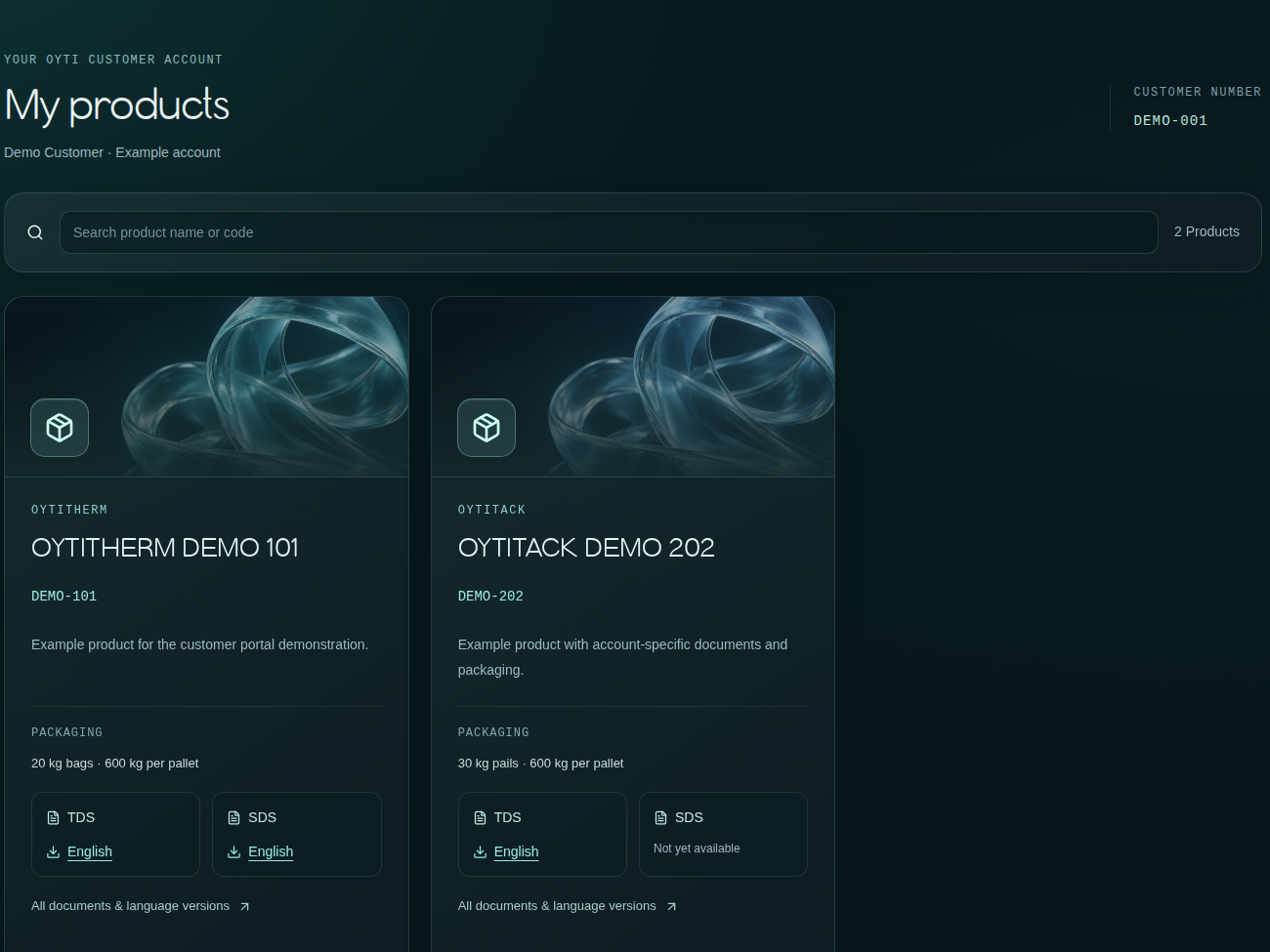
Your product world
The information that belongs to your application.
View products assigned to your customer account, packaging information and the technical documents released for your team.
Assigned products
Packaging information
Available TDS & SDS
Portal preview · demonstration data02
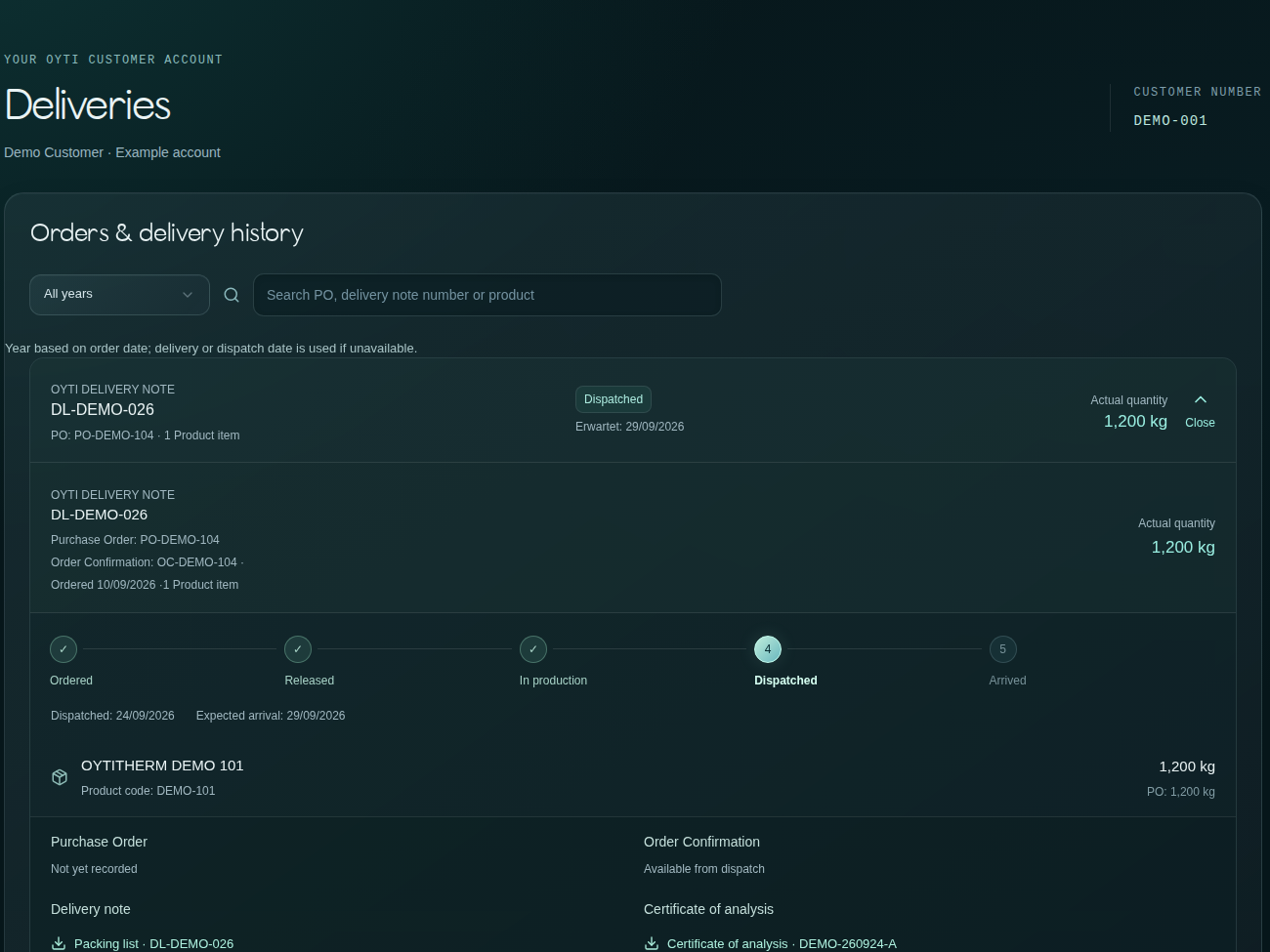
Your delivery history
Find the connection from shipment to batch.
Review delivery references, quantities and batch information. Bring a clear reference to a shipment question and find the associated documents where available.
Delivery overview
Quantity & batch references
Related delivery documents
Portal preview · demonstration data03
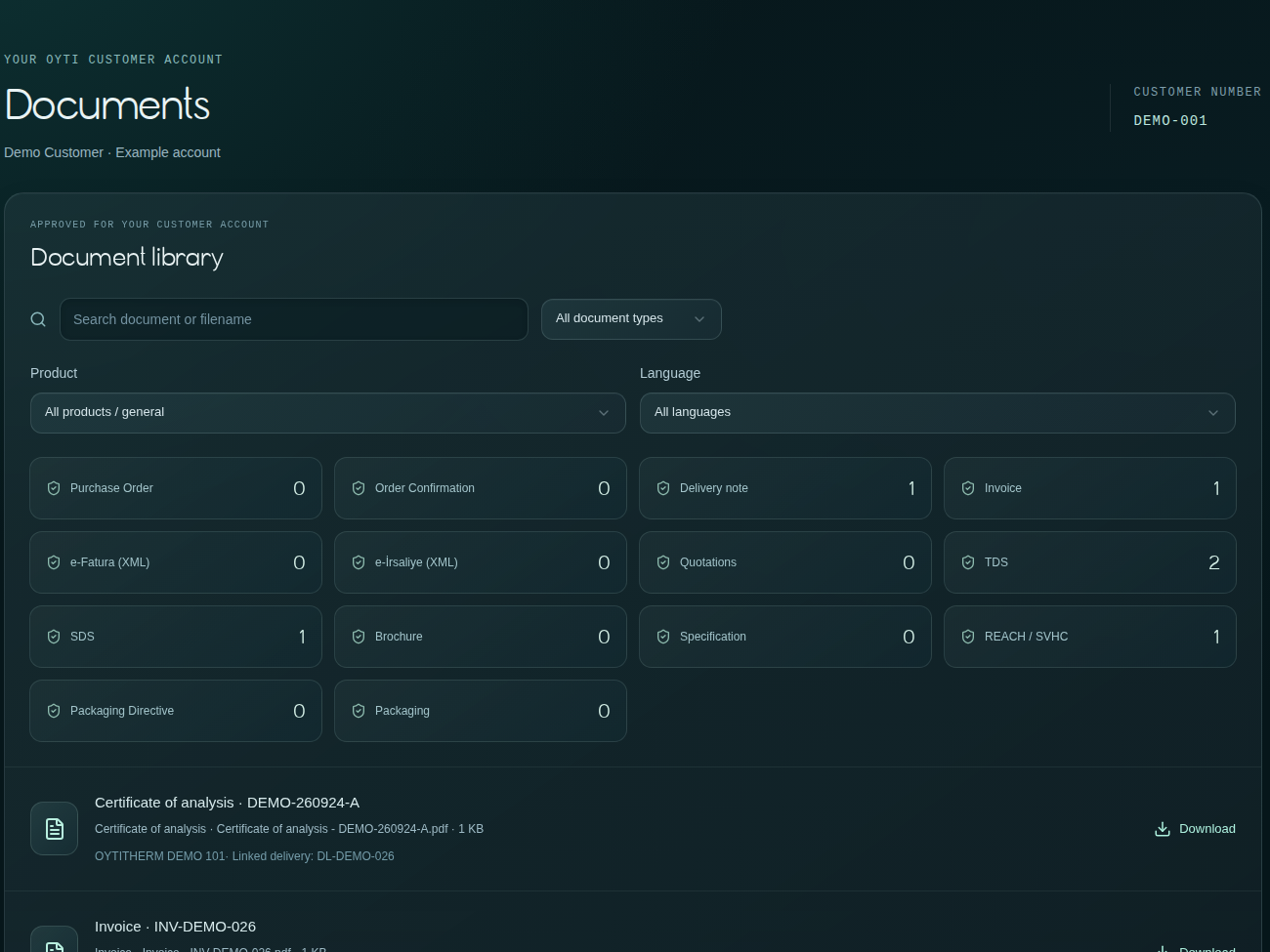
Your document library
Less searching. A clearer point of reference.
Find documents shared for your products, deliveries and customer account, including analysis certificates and technical or regulatory information where provided.
Analysis certificates
Delivery documents
Shared technical information
Portal preview · demonstration data04
Prices & offers
Commercial information in its customer context.
Review offers and price information released for your account, together with the relevant delivery terms. Availability depends on your account and permissions.
Released offers
Account-specific information
Agreed delivery terms
Your assigned products · individual terms after sign-in05
Your account information
An overview for the people who need it.
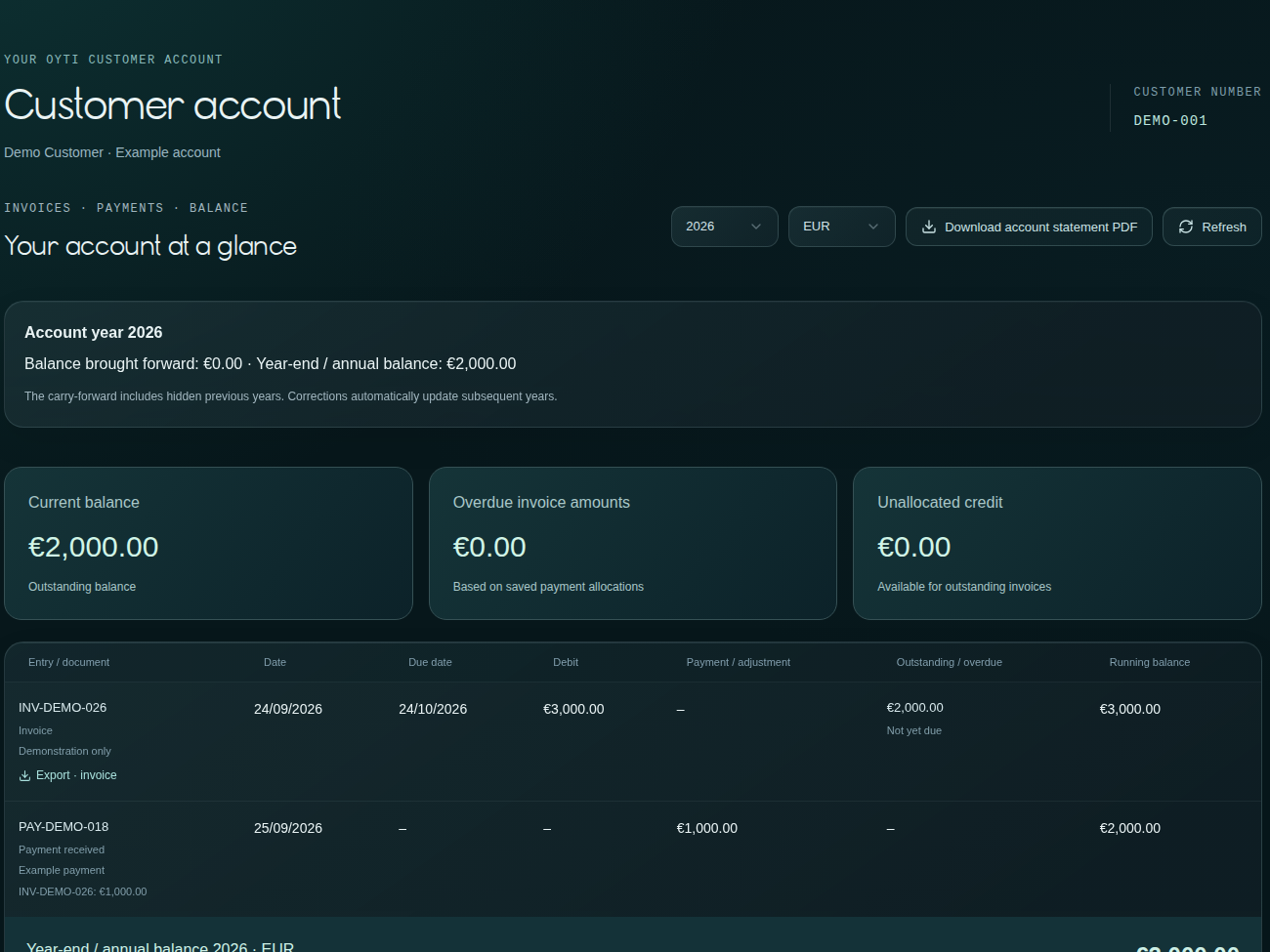
Account-related documents and financial information can be made available to authorized users. Access is coordinated with OYTI and depends on the individual permission.
Assigned customer account
Authorized account documents
Permission-based visibility
Portal preview · demonstration data06
News & personal support
Digital access. Personal support.
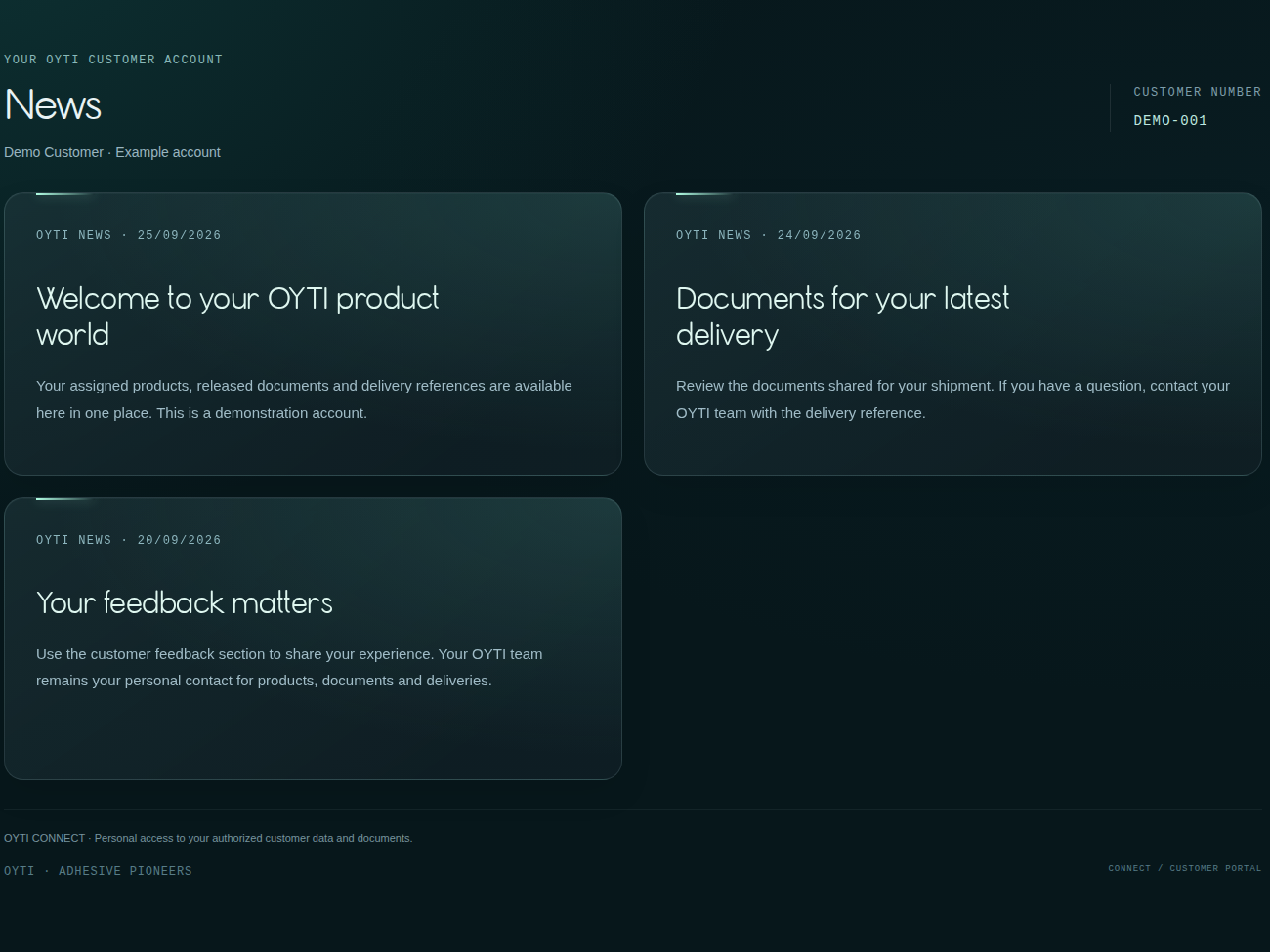
Keep up with shared updates and contact OYTI about your products, documents or deliveries. Our team remains your contact when a question needs more than a document.
Shared updates
Customer feedback
Personal assistance
Portal preview · demonstration data
CONNECTED INFORMATION
Start with a delivery. Find the detail that matters.
A shipment question often leads to a batch reference, a certificate or product information. OYTI Connect brings these points of reference into a shared customer workspace.
This page introduces OYTI Connect and helps you contact our team. Your personal portal is accessed through the sign-in address provided by OYTI.
How do I request access?+
Use the customer-service form above to prepare an access request. Include your company and, where available, your OYTI contact or customer reference. Access is coordinated individually.
Will every user see the same information?+
Available information depends on the assigned customer account and user permissions. Account and commercial information can require additional authorization.
Which documents can I find?+
Depending on what has been provided for your account, this can include delivery documents, analysis certificates, technical and safety data sheets, offers and other shared information. Contact us if a required document is missing.
Can I place an order through this page?+
This public page does not place orders. Please coordinate orders and commercial questions with your OYTI contact.
What if I cannot sign in?+
Contact our team with your company and a brief description of the problem. Never send your password or a sign-in verification code in an email.
Are the preview details real customer data?+
No. The public illustration uses example data. Actual customer-specific product, pricing and document information belongs in the authorized portal access.